
When you look at a person entry on the shared tree in FamilySearch, sometimes you see a blue box.
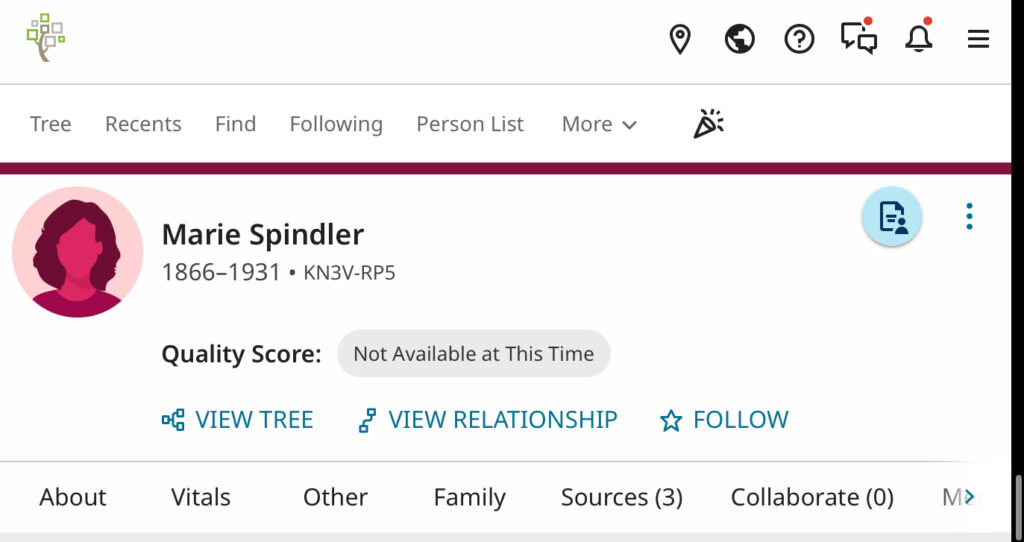
These are under the category of Research Help and are called record hints (or sometimes just blue hints).
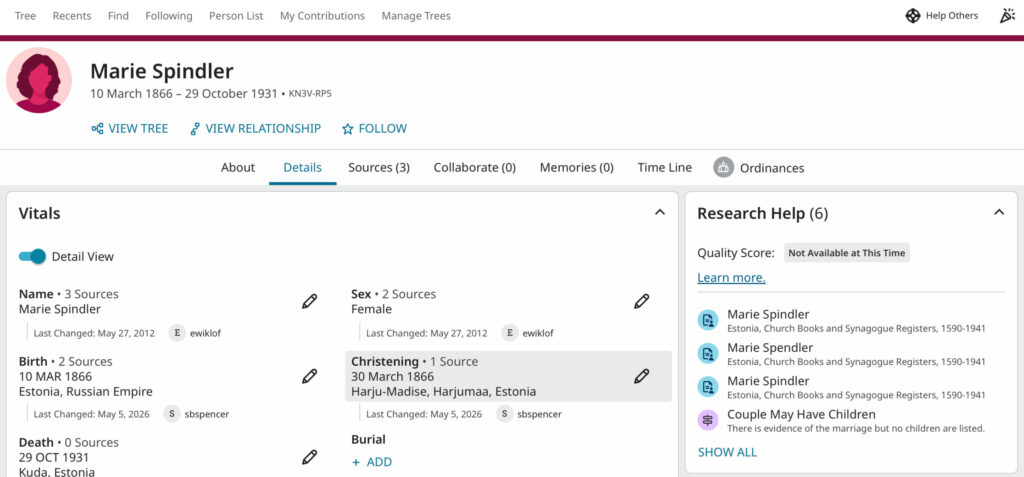
These are potential matches from the millions of indexed records in FamilySearch’s collections. They hire programmers to write code to compare the information you typed in with possible matches in records.
Take the hint. Click on the record hint, and a screen called Source Linker opens up showing you how this record matches what is already known about this person.
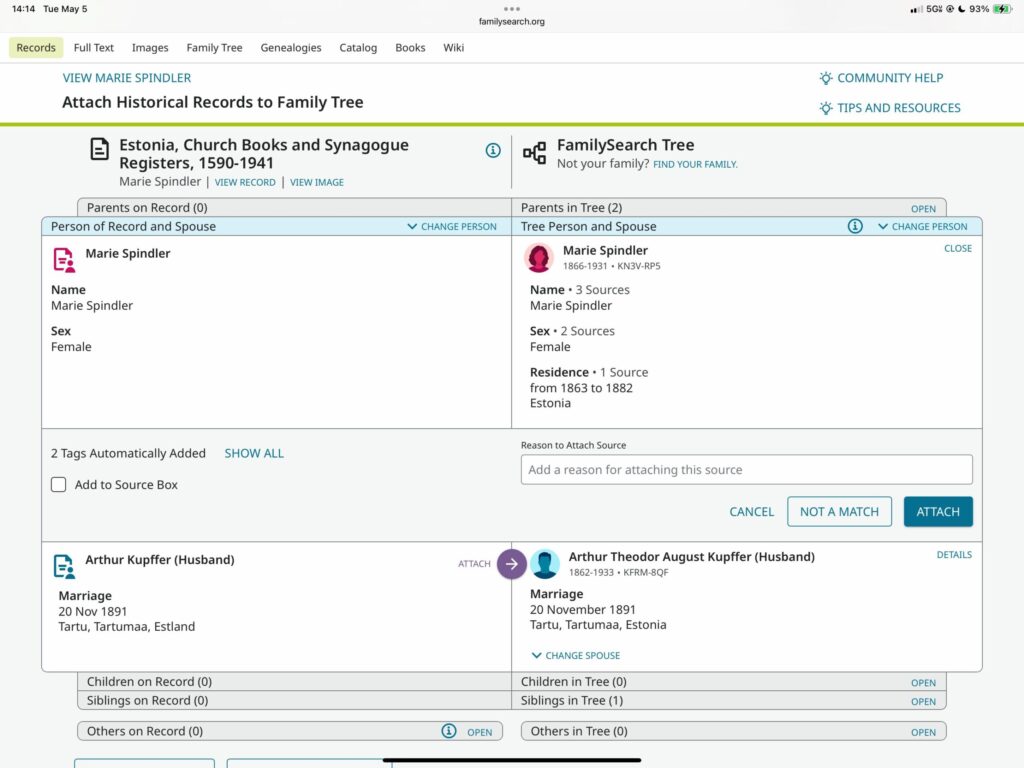
Make sure at least three pieces of information line up. These might include name, parents’ names, spouse’s name, child’s name, birth date and birthplace, death date and death place, or marriage place and date. If at least three of these things are consistent (allowing for spelling errors, rounding ages, or county vs town place names), then click the button “Attach” and make sure to attach it to all the people on the record. If there are serious inconsistencies, do not attach the record hint. If it is certainly not the right person, mark the record as “not a match.” If you aren’t sure, then just leave it.
But make sure, when you see a “blue hint,” to take the hint and compare it. Sometimes the hint seems redundant, because it includes information already present. Attach it! You can never have too many sources to confirm dates, names, places and relationships! Often a hint adds new information, such as the name of the town or county where a marriage took place, or the name of another child that you didn’t know about.
If you have ever used Ancestry, their hint symbol is a green leaf. In FamilySearch, it is a blue box. Never ignore these hints. They might be wrong, but they might be very valuable.
Take the hint. Your family tree will thank you.
Leave a Reply